- Account Set Up
- Add or Remove Users
Account Set Up
Add or Remove Users
Create a New User
- Navigate to Invitations > New Invitation.
- Enter the email address of the new user
- Select the User Type.
- Admin – users with full viewing and editing access in MasonHub OMS
- User – users with limited access to MasonHub OMS. Users can perform the following functions:
- Users can view
- ASNs
- Orders
- RMAs
- Users can create or upload
- ASN
- Users can view
- After you click Send Invitation, they will receive an email with instructions to create an account.


Deactivate a User
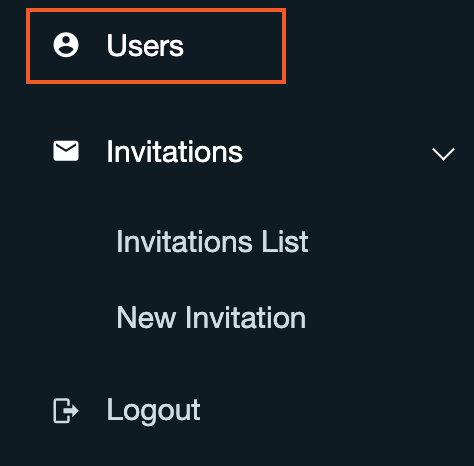
- Navigate to Users.
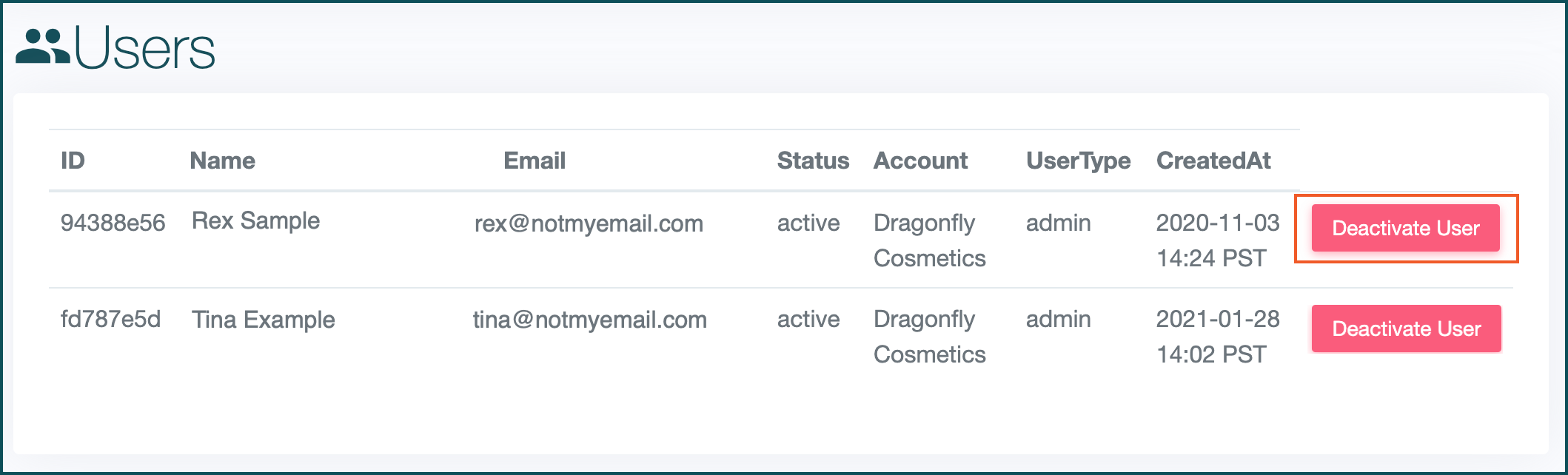
- Locate the person from whom you’d like to remove access and select Deactivate User.